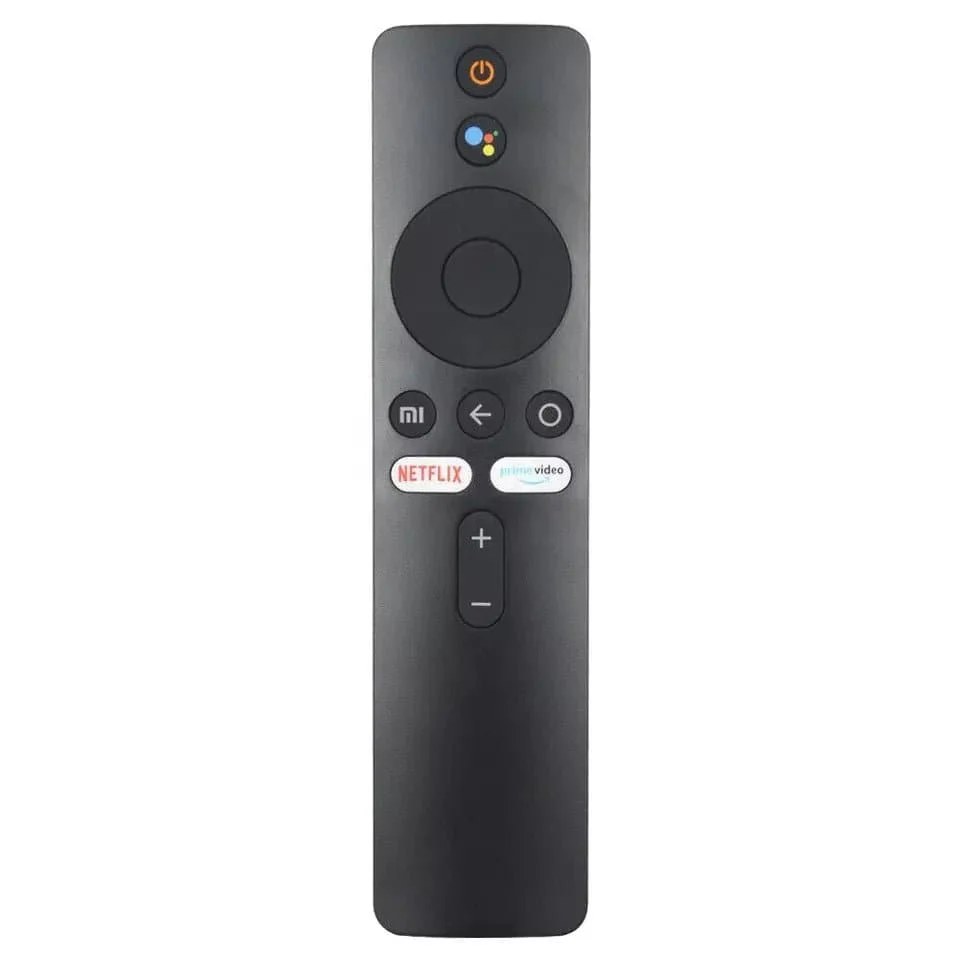
Remote Control for Xiaomi Mi TV Stick with Bluetooth and Voice Control
Remote Control for Xiaomi Mi TV Stick with Bluetooth and Voice Control
[To pair the new TV remote control:
Step 1: Unplug the power cord from the TV
Step 2: Connect the TV power cord
Step 3: Turn on the TV
Step 4: Locate the "MI" and "Home" buttons.
The "MY" button is located just above the yellow square button
The Home button is located just above the yellow square button
Step 5: Press and hold the "MI" and "Home" buttons at the same time until a drawing of a TV remote appears on the TV and wait for it to synchronize
Original: $35.00
-70%$35.00
$10.50More Images
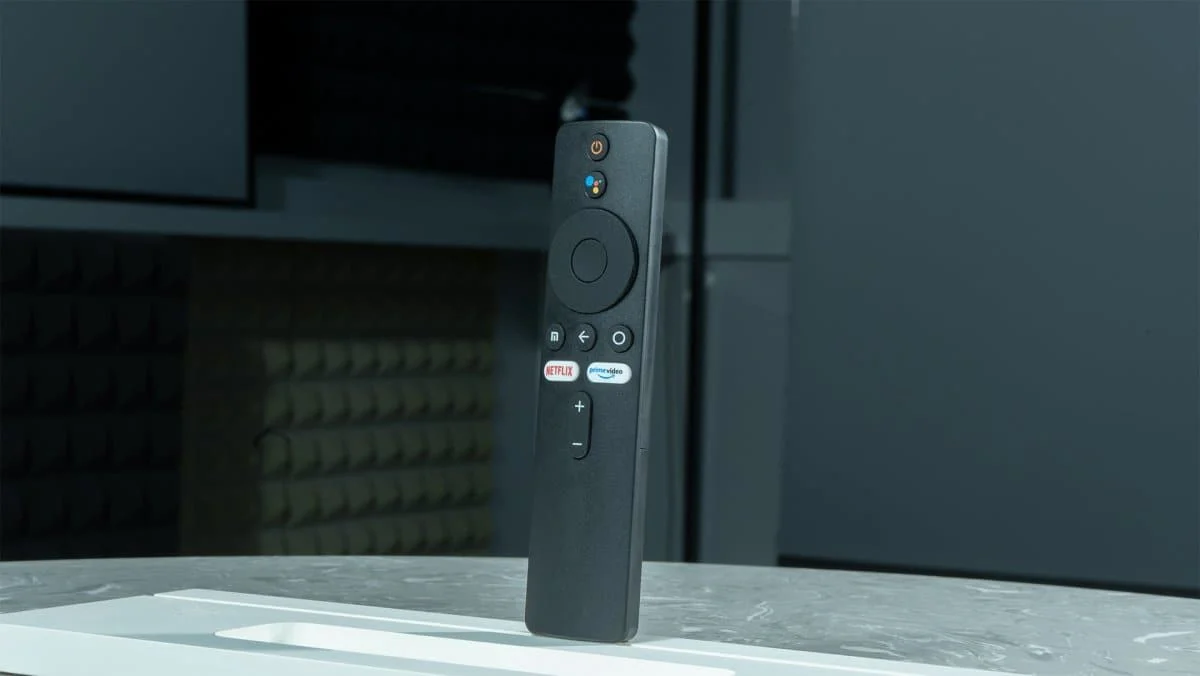
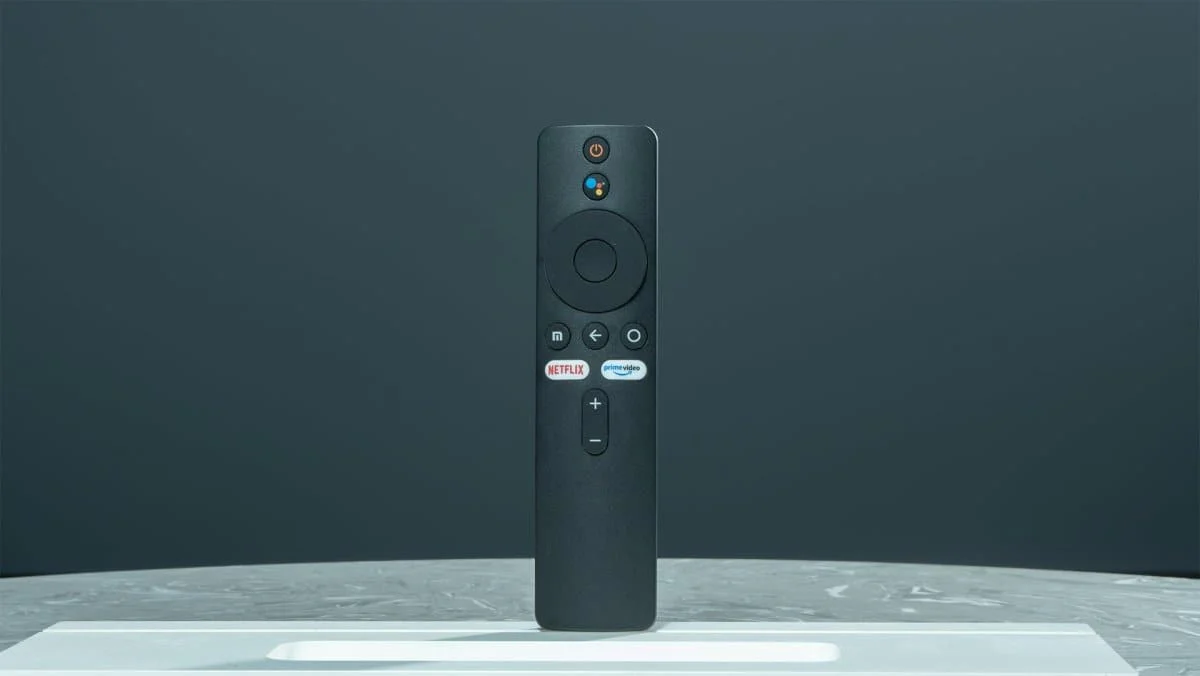
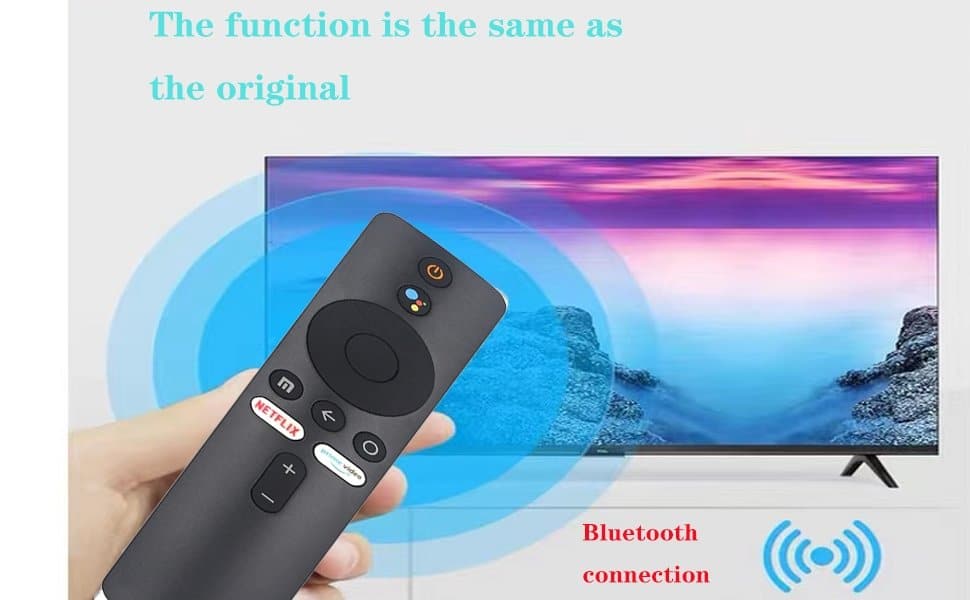
Remote Control for Xiaomi Mi TV Stick with Bluetooth and Voice Control
Remote Control for Xiaomi Mi TV Stick with Bluetooth and Voice Control
[To pair the new TV remote control:
Step 1: Unplug the power cord from the TV
Step 2: Connect the TV power cord
Step 3: Turn on the TV
Step 4: Locate the "MI" and "Home" buttons.
The "MY" button is located just above the yellow square button
The Home button is located just above the yellow square button
Step 5: Press and hold the "MI" and "Home" buttons at the same time until a drawing of a TV remote appears on the TV and wait for it to synchronize
Product Information
Product Information
Shipping & Returns
Shipping & Returns
Description
Remote Control for Xiaomi Mi TV Stick with Bluetooth and Voice Control
[To pair the new TV remote control:
Step 1: Unplug the power cord from the TV
Step 2: Connect the TV power cord
Step 3: Turn on the TV
Step 4: Locate the "MI" and "Home" buttons.
The "MY" button is located just above the yellow square button
The Home button is located just above the yellow square button
Step 5: Press and hold the "MI" and "Home" buttons at the same time until a drawing of a TV remote appears on the TV and wait for it to synchronize